

FastingOS browser app
Start a fast. See your day. Know what to do next.
FastingOS brings your timer, food log, hydration, mood, and progress into one free browser app. Pick a schedule, follow the day, and return to a clear record instead of rebuilding the plan from memory.
- Works in a browser
- No download
- Common schedules included
- Export and deletion controls
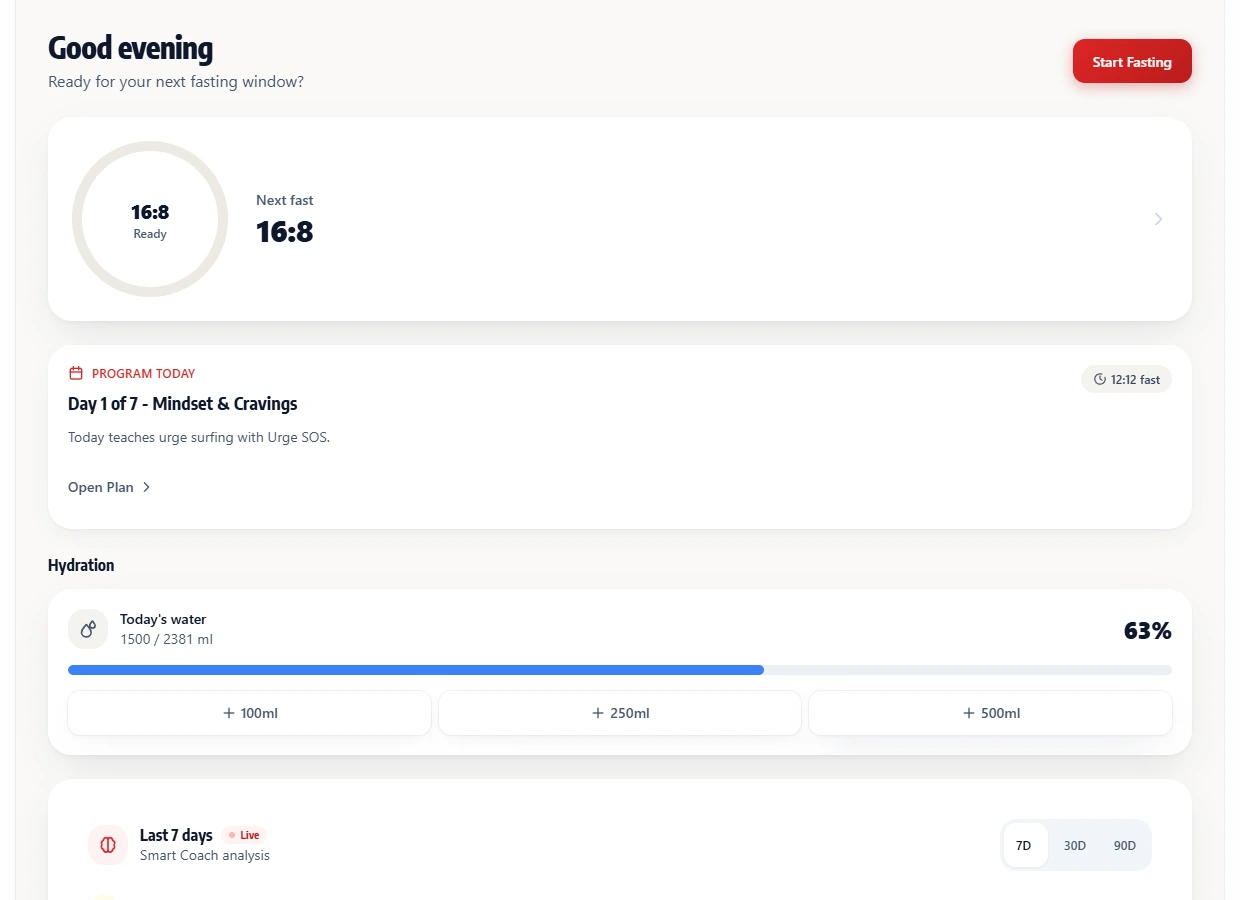
The daily loop
A plan you can read at a glance
The useful part is not another countdown. It is seeing the schedule, the day in progress, and the pattern you are building without opening five separate tools.
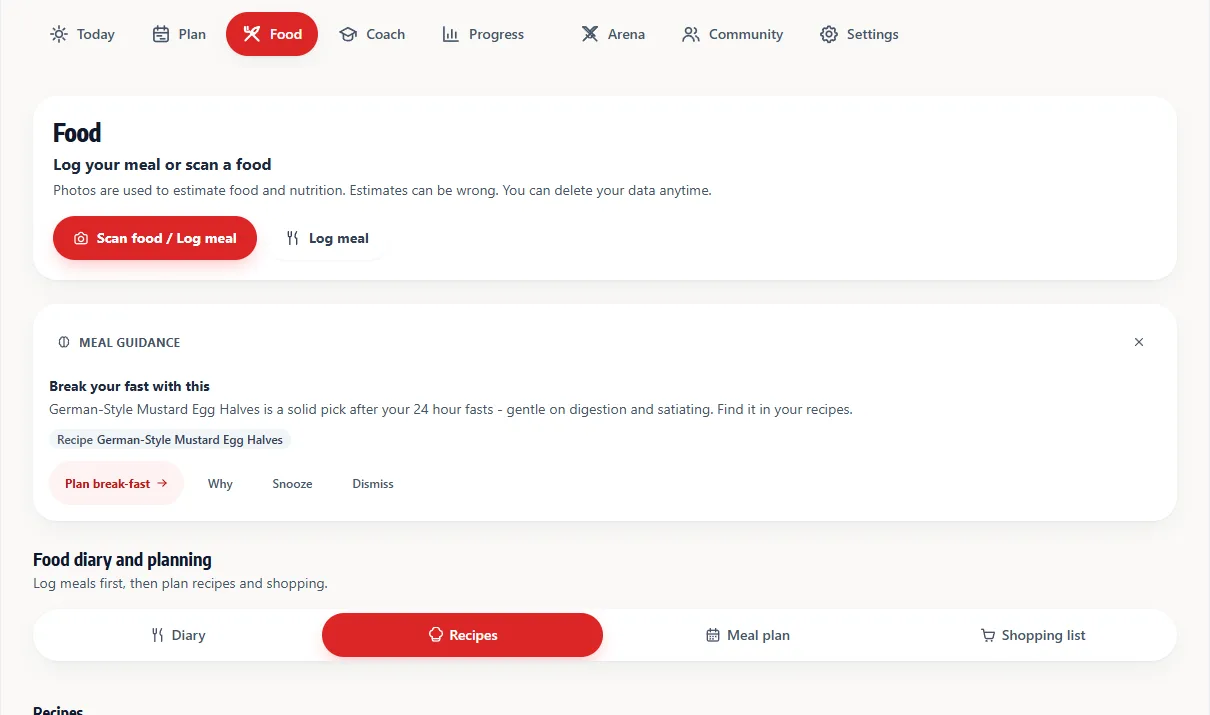
Pick a schedule
Start with a familiar window such as 12:12, 14:10, or 16:8. The plan stays visible before the timer begins.
Track the day
Log water, food, mood, and the fast itself as they happen. Each entry becomes part of the same timeline.
Review the pattern
Look back at completed fasts and progress without a diagnosis, score, or plan changing in isolation.
After the timer starts
One 16:8 day, with the next choice attached
A fasting day changes hour by hour. FastingOS keeps ordinary actions close to the timer, so hydration, mood, food, and the next plan do not disappear behind a streak number.
Example schedule: finish dinner at 8:00 PM, then open the next eating window at noon. Change the times to fit your day rather than forcing your day around the example.
Start the timer
The current schedule and expected finish stay visible on the Today screen.
Log how the morning feels
Add water and a mood check. These are records, not a diagnosis or a promise about what your body is doing.
End the fast and record the meal
Use the food log or choose a recipe when the eating window opens.
Review the next action
Smart Coach, the guide built into the app, sums up your own entries and points you back to the planning tools. It does not replace medical advice.
Trust and control
A tracker should tell you what it knows
FastingOS stores the entries you choose to save, including fasts, weight, hydration, mood, and meals. It uses those records to show your history and app summaries.
Educational, not medical
The app tracks and explains fasting routines. It does not diagnose conditions, prescribe a diet, or confirm a biological state. Stop and seek clinical guidance when symptoms or your health history make fasting unsafe.
Your account data
Settings includes data export for supported records and a permanent data-deletion flow. You can also edit or remove individual entries where the app provides that control.
Spot a mistake?
FitnessVolt Editorial reviews what these pages say about the app. If something is wrong, send us the page address and what you found.
Request a correctionWe last checked these app details on . Features and pricing can change after that date.
Begin with one day
Start fasting free in your browser
Create an account to save a schedule and use the tracker. The calculators, protocols, and guides stay open to everyone when you only need a reference.
Does the browser app cost anything?
Browser access currently requires no payment or credit card. That describes the product today, not a promise that every future feature will always use the same model.
Do I need to download an app?
No. FastingOS runs at this web address in a modern browser. Native iOS and Android apps are not available.
Can I use it without an account?
You can use the calculators, fasting protocols, and guides without signing in. An account is required to save app data and use the tracker.
Can I export or delete my data?
Yes. Settings includes export and permanent account-data deletion controls for the records FastingOS stores.