


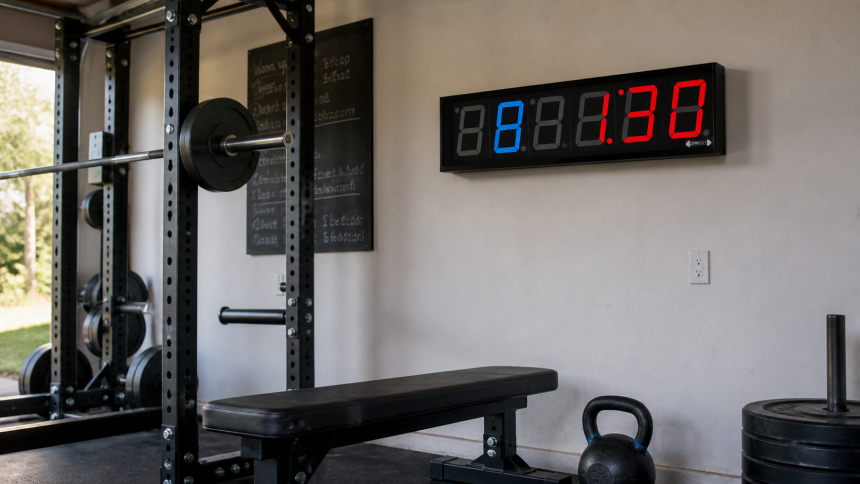
A phone timer works until you start a hard interval and realize the screen is across the room, the volume is buried under your music, and your sweaty hands have to unlock it. The GymNext Flex Timer Home Edition fixes that problem with big LED digits, a loud buzzer, and workout programming from your phone. The catch is the $149 price. That is a lot of money for a clock, so the app and display need to earn their place on your wall.
Tom Miller set up and used the GymNext Flex Timer, then checked its app, compatibility notes, return policy, warranty, and current price. Our verdict reflects the Home Edition’s programming depth, setup demands, daily usability, and value compared with simpler timers.
FitnessVolt may earn a commission if you buy through our links. This does not change the price you pay or our editorial verdict.

GymNext Flex Timer Home Edition
Best for Custom Home-Gym IntervalsPros
- 2.3-inch LED digits are easier to read than a phone during training
- 65-95 dB adjustable buzzer suits quiet rooms and loud garage gyms
- Deep app supports EMOMs, Tabata, rounds, mixed intervals, and saved workouts
- Audio sync can lower music around work and rest cues
Cons
- Every hardware workout depends on a compatible phone or tablet app
- Wall power and cable placement limit where the timer can go
- Indoor-only housing is not waterproof
- $149 costs much more than a basic remote-controlled timer
Quick verdict: The GymNext Flex Timer Home Edition makes sense for a dedicated indoor gym where you run several kinds of timed workouts each week. Its 2.3-inch display, adjustable buzzer, and unusually flexible app are the reasons to buy it. Skip it if you only need a basic countdown clock, train outdoors, or dislike controlling equipment through a phone.
The Short Version
GymNext built the Home Edition for the lifter who has outgrown a phone timer but does not need a giant commercial display. The housing measures 13 inches across, while the 2.3-inch blue and red LED digits should remain readable from normal home-gym distances. You can also set the buzzer from 65 to 95 decibels. That range matters in a shared basement, where full volume would be obnoxious, and in a garage with music and a fan running.
The app is the real product. It handles simple count-up and countdown sessions, then keeps going into rounds, custom intervals, Tabata, EMOM, work-to-rest ratios, multi-segment workouts, a stopwatch, shot clock, and beep test. You can save unlimited workouts instead of programming the same 10-round circuit every Tuesday.
That convenience comes with a clear tradeoff. The timer has no traditional handheld remote. You need a compatible iPhone, iPad, or Android device to get the best from the hardware. If you want one-button operation with no app account, updates, or Bluetooth connection, a simpler timer will feel less fussy.
Our Score
| Area | Score | What Drove the Score |
|---|---|---|
| Display | 9.0/10 | 2.3-inch colored digits fit typical home-gym viewing distances without the bulk of a commercial clock. |
| Programming | 9.5/10 | The app covers basic timers, custom intervals, EMOMs, work-to-rest sessions, and chained segments. |
| Ease of use | 7.5/10 | Saved workouts help after setup, but the app adds menus and phone dependence. |
| Versatility | 9.0/10 | Audio sync, multiple timer types, workout sharing, and heart-rate support go beyond most home clocks. |
| Value | 7.0/10 | $149 is fair for frequent interval training, but excessive for an occasional countdown. |
Overall: 8.4/10. Programming depth carries the rating. Price and app dependence keep it from scoring higher.
Who Should Buy It?
- CrossFit-style home-gym athletes: You can switch between EMOMs, AMRAP time caps, Tabata work, and round-based conditioning without rebuilding each session.
- Personal trainers working indoors: Saved workouts and a readable display can keep you coaching instead of standing beside a phone.
- Couples or families sharing a gym: Adjustable volume gives you more control when one person trains early and another wants loud cues later.
- Lifters who train with loud music: Audio sync can fade music around cues, while the hardware buzzer reaches 95 dB when you need it.
Who Should Skip It?
- You only time rest periods between sets. A watch, phone, or $30 clock can handle a 90-second countdown.
- Your training space gets wet or stays exposed. The Home Edition is an indoor, non-waterproof device.
- You want battery-powered placement. This timer uses wall power, so an outlet and a tidy cable route need to be part of the plan.
- You avoid app-controlled equipment. The phone interface makes complex programming easier, but it also becomes part of every session.
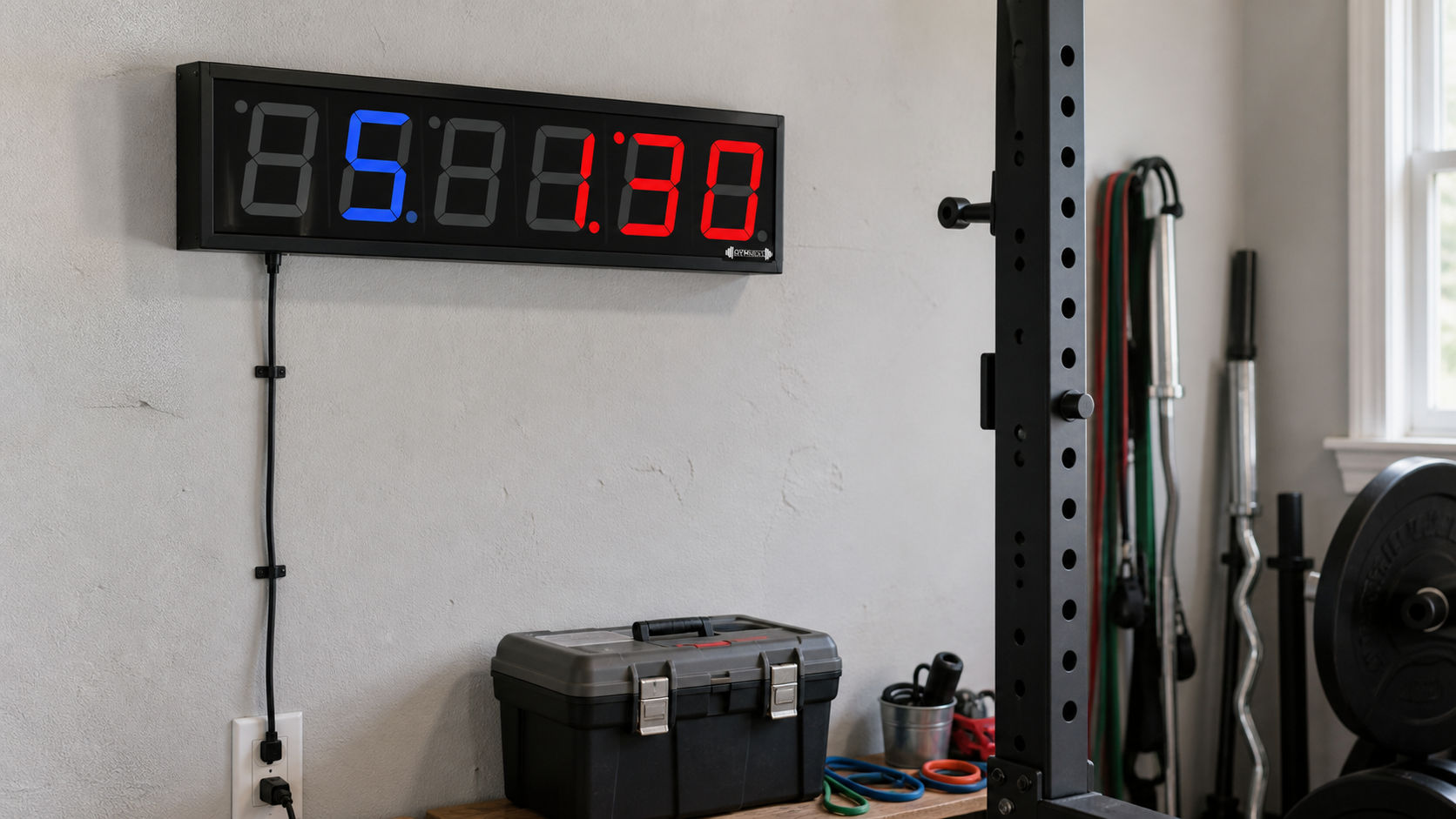
Setup Is Simple, but Placement Deserves Five Minutes
The physical setup has two jobs: give the digits a clear sightline and keep the power cable away from your feet, rack, and moving weights. The 13-inch housing is compact enough for a garage wall, shelf, or open section of a rack area. Mount it too low, though, and plates or a bench can block your view during floor work.
Plan the outlet before you choose the mounting spot. A battery clock can move anywhere; this one cannot. A cable hanging beside a squat rack also looks unfinished and can get caught during equipment changes. A nearby outlet or a secured cable channel solves the problem, but renters may prefer shelf placement over making holes in a wall.
Once powered, the app scans for nearby Flex Timer displays over Bluetooth. GymNext lists iOS 12 or later and Android 5 or later as the minimum operating-system requirements, along with Bluetooth Low Energy support. The company describes about 50 feet as a typical working range and reports that connections beyond 200 feet can work in favorable conditions. Walls, other wireless devices, and the phone itself can reduce that distance, so buy for the room you have rather than the maximum claim.
The App Is Why This Timer Costs More
A cheap gym clock usually gives you several preset buttons and a tiny remote. That works for standard rounds. It gets annoying when you want five minutes of warmup, four different work intervals, changing rest periods, and a cooldown in one session.
GymNext lets you build that session as a multi-segment workout. For a basic EMOM, you set the interval and number of rounds. For Tabata, you choose work time, rest time, rounds per block, and the number of blocks. Mixed intervals let you stack work and rest periods in different lengths. Work-to-rest mode can base the recovery period on how long the work took, which is useful for sled pushes, carries, or repeat efforts that do not end at a fixed second.
A systematic review found that home-based high-intensity interval training improved cardiorespiratory fitness compared with no exercise. That does not make a wall timer necessary, but it does explain why flexible work-rest programming can be useful for people who actually train this way at home.
The app also lets you preview the structure before starting. That sounds minor until a bad setting turns a planned 30-second rest into three minutes. Once you have a workout right, save it to the library. GymNext does not cap the number of saved workouts, and you can share workout codes with another user.
Extra controls include prelude countdowns, round warnings, transition cues, sound choices, and a metronome. Bluetooth heart-rate monitor support can display heart rate during a session. That feature is useful for conditioning work, although it should not be the deciding reason to buy a wall timer if you already track heart rate on a watch.
Audio Sync Solves a Real Training Problem
A loud buzzer is helpful until it fights with your speaker. The Flex Timer app can send cues through a Bluetooth speaker and fade music around them. You hear the transition without running the entire session at a punishing volume.
The built-in buzzer still gives you a direct option. Its 65-95 dB adjustment spans quiet individual sessions and noisy group work. The lower end matters more than most product pages admit. A timer stuck at maximum volume becomes irritating in a basement below a bedroom.
Is the GymNext Flex Timer Worth $149?
The value depends on how often your programming changes. Run three or four interval sessions each week, and saved EMOMs, rounds, and multi-stage workouts can remove a small hassle every training day. A personal trainer can also reuse sessions across clients and spend less time punching commands into a remote.
If your timer does one job, $149 is hard to defend. Basic remote-controlled LED timers often cost far less and can run standard intervals without a phone. The GymNext premium buys software flexibility, audio control, and a cleaner way to store complicated sessions. It does not buy weather resistance, cordless placement, or a larger commercial display.
What We Like
- The display fits a home gym. The 2.3-inch digits are much easier to follow during burpees or carries than a phone screen, without taking over the wall.
- Workout programming has room to grow. A beginner can run a countdown today and build mixed intervals or multi-segment conditioning later.
- Saved workouts reduce repeat setup. Unlimited storage matters when you rotate several training templates.
- Volume control is unusually practical. The 65-95 dB range works across quiet rooms and louder garage sessions.
- Music and cues can cooperate. Audio fading makes transitions easier to hear without muting the whole playlist.
What We Do Not Like
- The app is a dependency, not a bonus. If your phone is charging elsewhere, out of date, or having a Bluetooth issue, the hardware loses much of its appeal.
- The power cord controls placement. You need an outlet and a route that keeps the cable out of the training area.
- It stays indoors. The non-waterproof housing rules out exposed patios and training spaces where rain can blow in.
- The price only works for frequent use. Occasional rest timing does not justify a $149 clock.
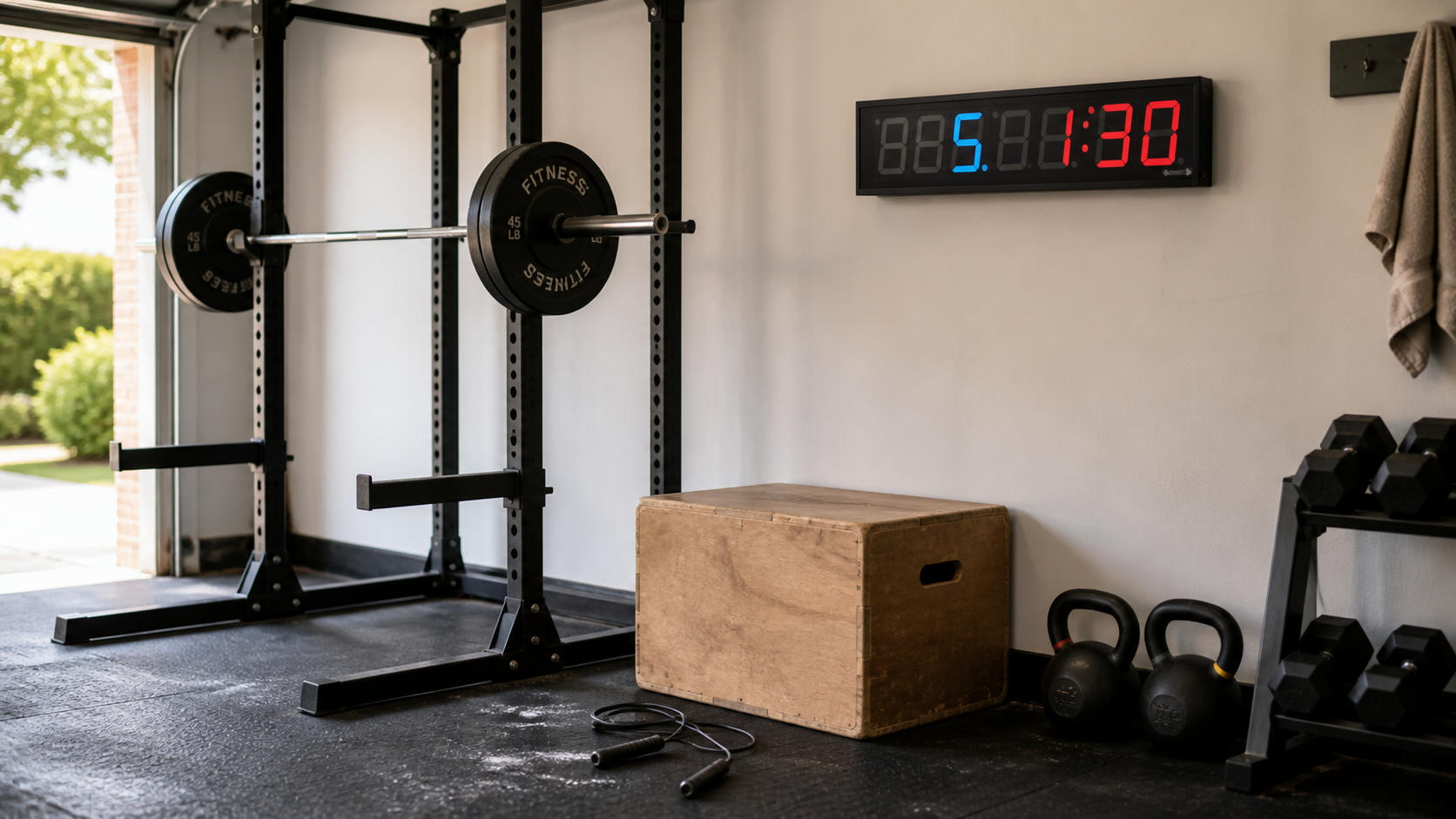
How It Compares With the Alternatives
A Phone Timer
A phone app wins on price and portability. It loses when you cannot see the screen across the room or hear a cue over music. Keep using your phone if you train alone, stay near it, and rarely build complex sessions. Buy the GymNext when a fixed, glanceable display would change how smoothly the workout runs.
A Basic Remote-Controlled LED Timer
A standard LED timer is the better budget choice for countdowns, count-ups, and identical work-rest rounds. Its physical remote also avoids app updates and phone permissions. The GymNext earns the extra cost when you want varied intervals, unlimited saved workouts, audio sync, or workout sharing.
GymNext Flex Timer Gym Edition
The commercial Gym Edition is built for a larger facility and uses 4-inch digits. It costs about twice as much as the Home Edition. Most garage and basement gyms do not need that viewing distance. The Home Edition keeps the same app-driven programming in a smaller, less expensive package.
For a broader comparison of display sizes, controls, and cheaper options, see our guide to the best gym timer clocks.
Returns and Warranty
GymNext states that unused items can be returned within 30 days. That wording matters. Mounting the timer or using it enough to judge Bluetooth performance may affect whether it still qualifies as unused, so confirm the current return conditions with the seller before purchase.
The Home Edition carries a one-year limited warranty. One year is acceptable for consumer electronics, but it is not generous for a device that may live in a dusty garage. Keep the order receipt, avoid moisture, and do not place the housing where a medicine ball or barbell can hit it.
Frequently Asked Questions
Does the GymNext Flex Timer work without a phone?
The physical display is designed around the Flex Timer mobile app, so a compatible phone or tablet is part of normal setup and control. The app can also run as a timer on its own when you are away from the LED display. Buyers who want a traditional hardware remote should choose a different clock.
Can I use the GymNext Flex Timer outside?
No. The Home Edition is an indoor, non-waterproof timer. A covered area is not automatically safe if wind can carry rain or moisture reaches the outlet. Use it inside a dry garage, basement, studio, or home-gym room.
How loud is the buzzer?
The buzzer adjusts from 65 to 95 dB. The lower settings suit a quiet room, while the upper range should cut through normal gym noise. CDC/NIOSH warns that repeated exposure at 85 dBA or higher can damage hearing, so use the lowest setting you can hear clearly instead of treating maximum volume as the default. You can also route cues through a Bluetooth speaker and let the app lower music around transitions.
Can it run EMOM and Tabata workouts?
Yes. The app includes dedicated EMOM and Tabata modes, plus rounds, custom intervals, work-to-rest timing, and multi-segment workouts. You can save completed setups for later use instead of rebuilding them each session.
Will it connect across a large garage?
A normal home gym should sit within the practical Bluetooth range. GymNext describes roughly 50 feet as typical and says connections over 200 feet have occurred in favorable conditions. Concrete walls, interference, and phone hardware can shorten the range, so placement in the same room is the sensible plan.
Can I connect a heart-rate monitor?
The app supports Bluetooth heart-rate monitors that use the standard Bluetooth heart-rate profile. GymNext lists compatible examples in its FAQ. Check your monitor’s protocol before assuming it will pair, since some brands use proprietary connections.
Bottom Line
The GymNext Flex Timer Home Edition is worth $149 for an indoor home gym that runs varied interval workouts every week. Its 2.3-inch display is easy to follow, the 65-95 dB buzzer adapts to the room, and the app goes far beyond preset rounds. The same app is also the biggest drawback. Add wall power, an indoor-only housing, and a one-year warranty, and this stops being an automatic recommendation. Buy it for programming depth and a visible fixed display. Save your money if a phone or basic remote timer already handles your sessions.
Sources
- GymNext. (2026). GymNext Flex Timer User Guide. Accessed August 26, 2026.
- GymNext. (n.d.). Flex Timer Frequently Asked Questions. Accessed August 26, 2026.
- GymNext. (n.d.). Flex Timer App Features and Timer Modes. Accessed August 26, 2026.
- Tsuji K, Tsuchiya Y, Ueda H, Ochi E. Home-based high-intensity interval training improves cardiorespiratory fitness: a systematic review and meta-analysis. BMC Sports Science, Medicine and Rehabilitation. 2023;15:166. PMID: 38053128. DOI: 10.1186/s13102-023-00777-2.
- National Institute for Occupational Safety and Health. Noise-Induced Hearing Loss. Centers for Disease Control and Prevention. Accessed August 27, 2026.